01
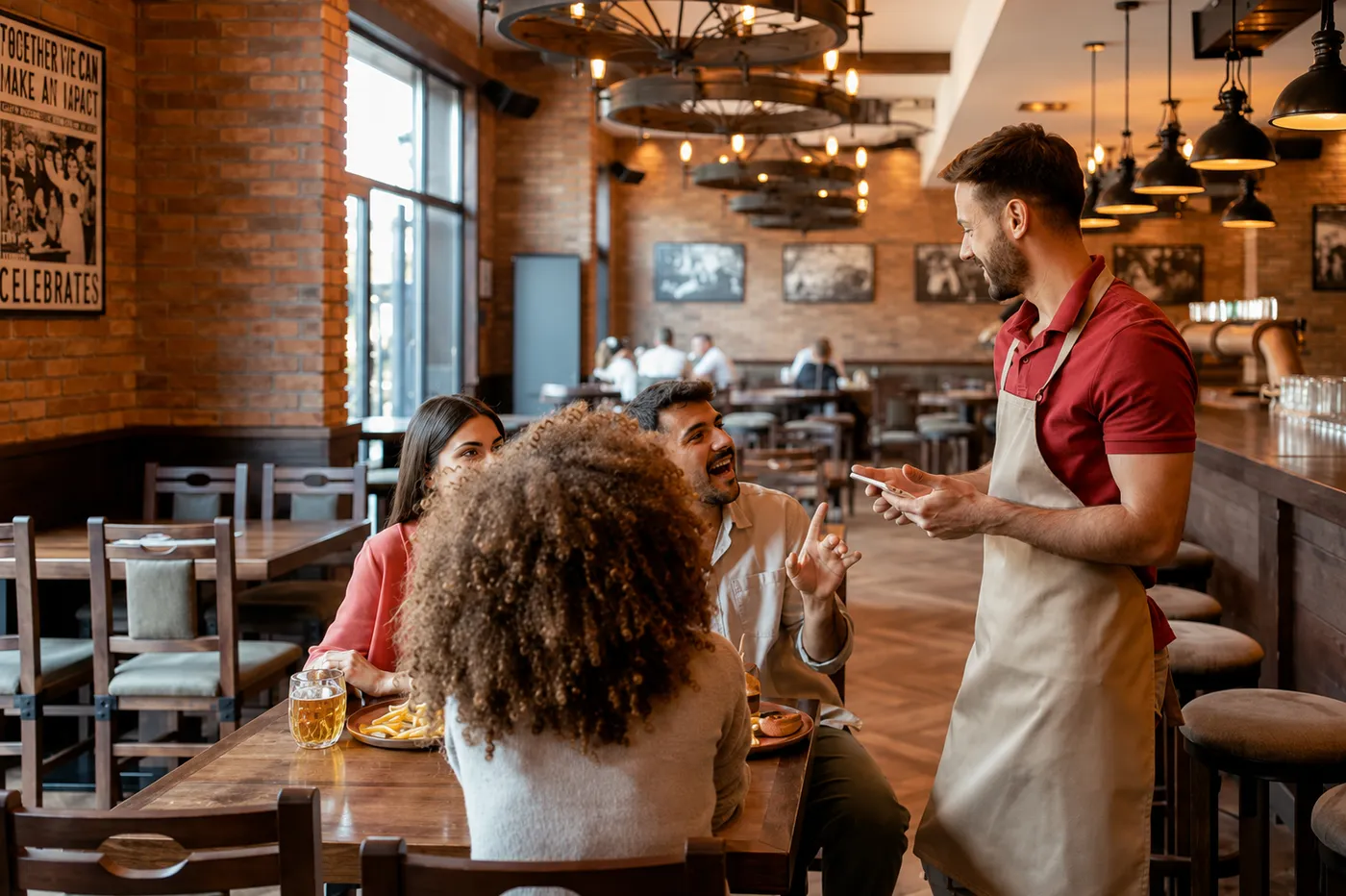
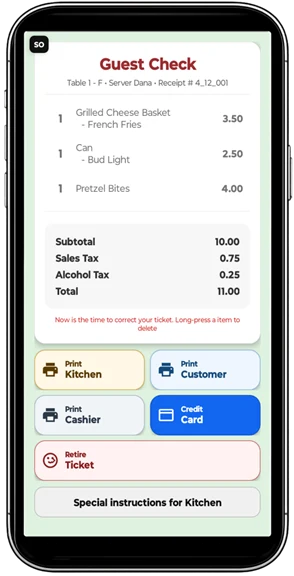
Server takes the order at the table
Fewer handwritten tickets and fewer trips back to a terminal.
Affordable Android restaurant technology
Take orders, alert the kitchen, cash out tickets, track shifts, and add online ordering—without locking your restaurant into costly proprietary hardware.
Waitress Pad is flexible enough for concession stands, small diners, full-service restaurants, and golf courses, with optional web ordering for any size operation.
Skip the sales maze
Tell it how many servers you have, whether you want a kitchen display, what printers you already own, and whether you need web ordering. It can explain the options in plain language.
A visual tour
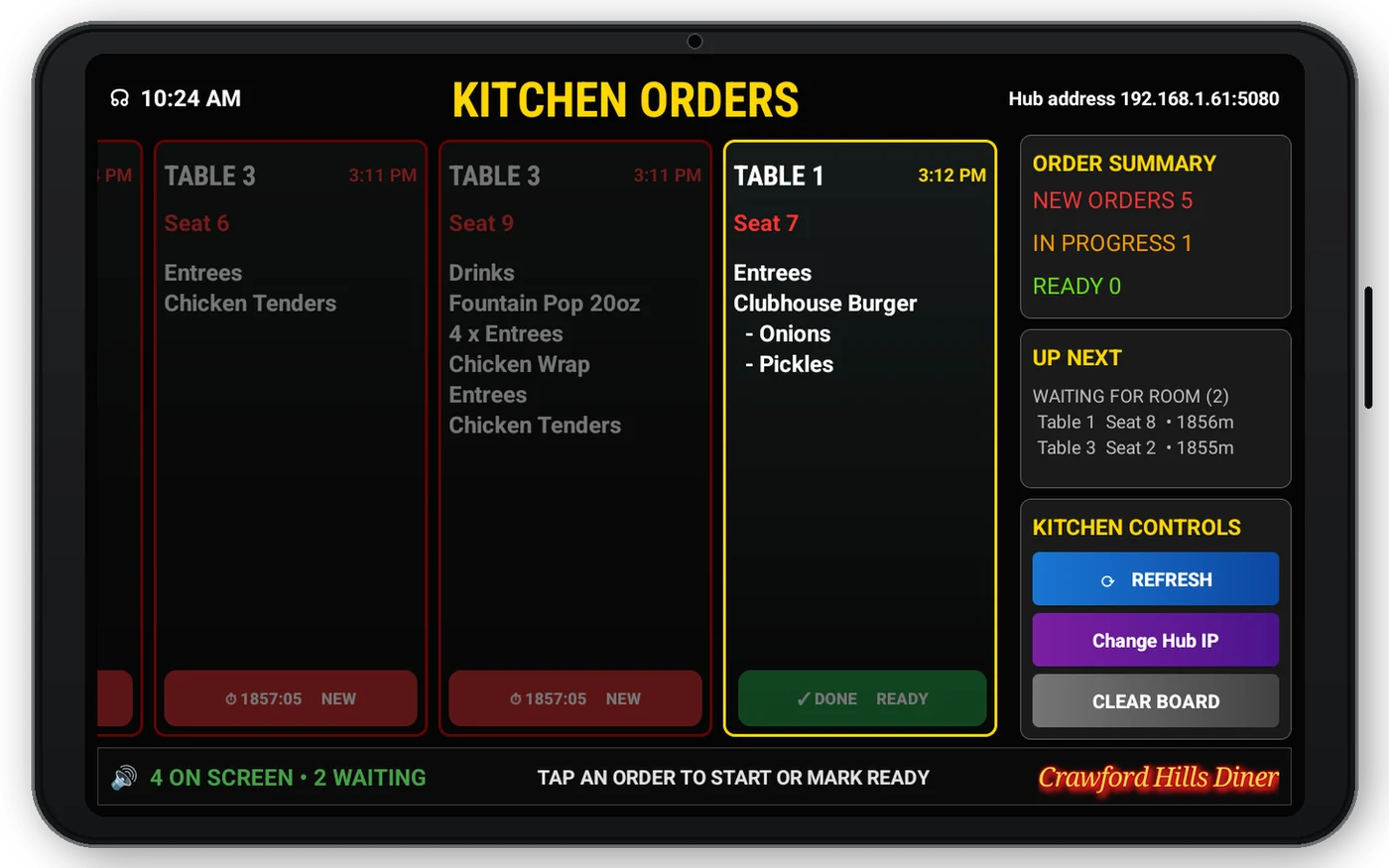
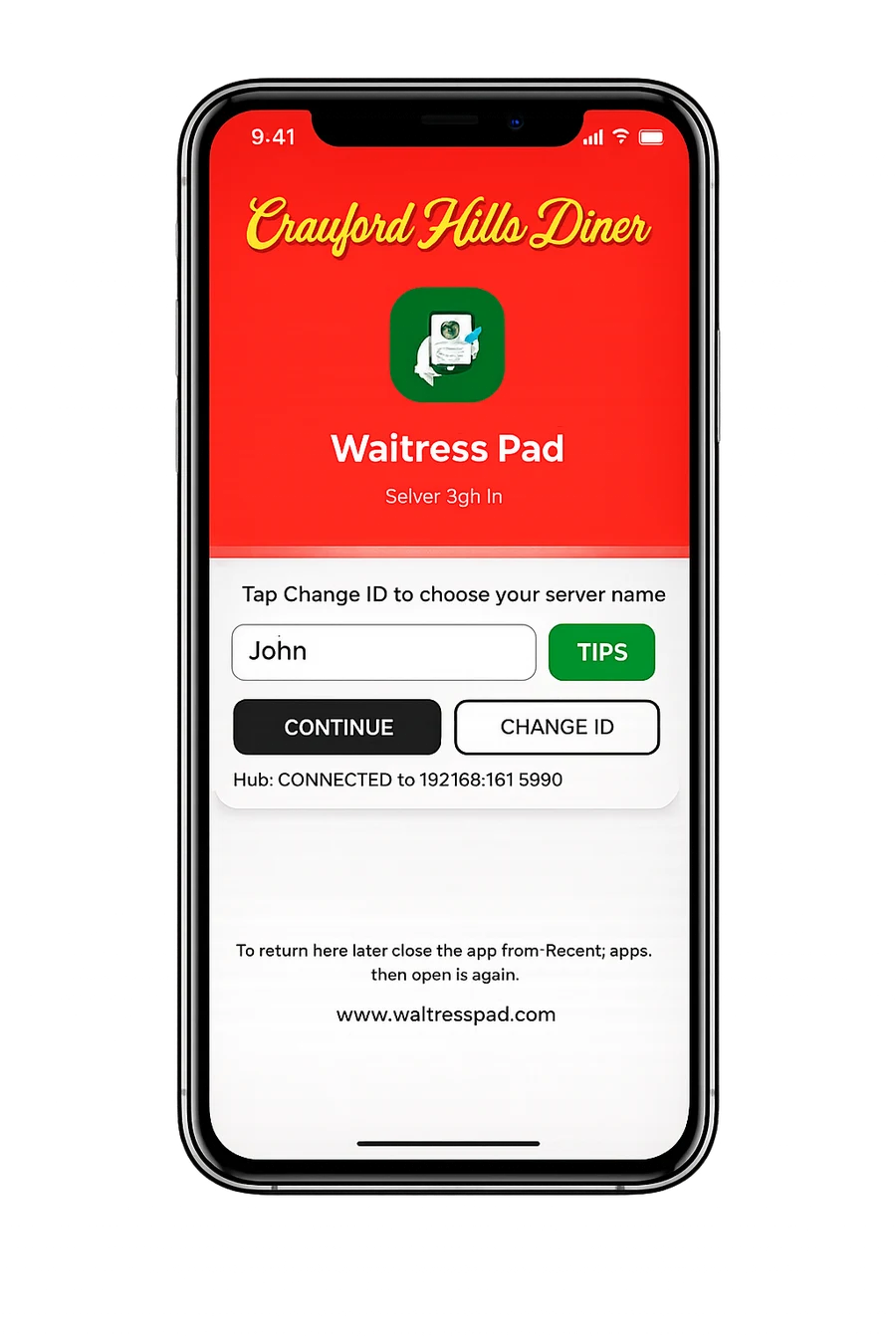
Each picture is sized to fit desktop and mobile screens without opening an enlarged view.

Start simple
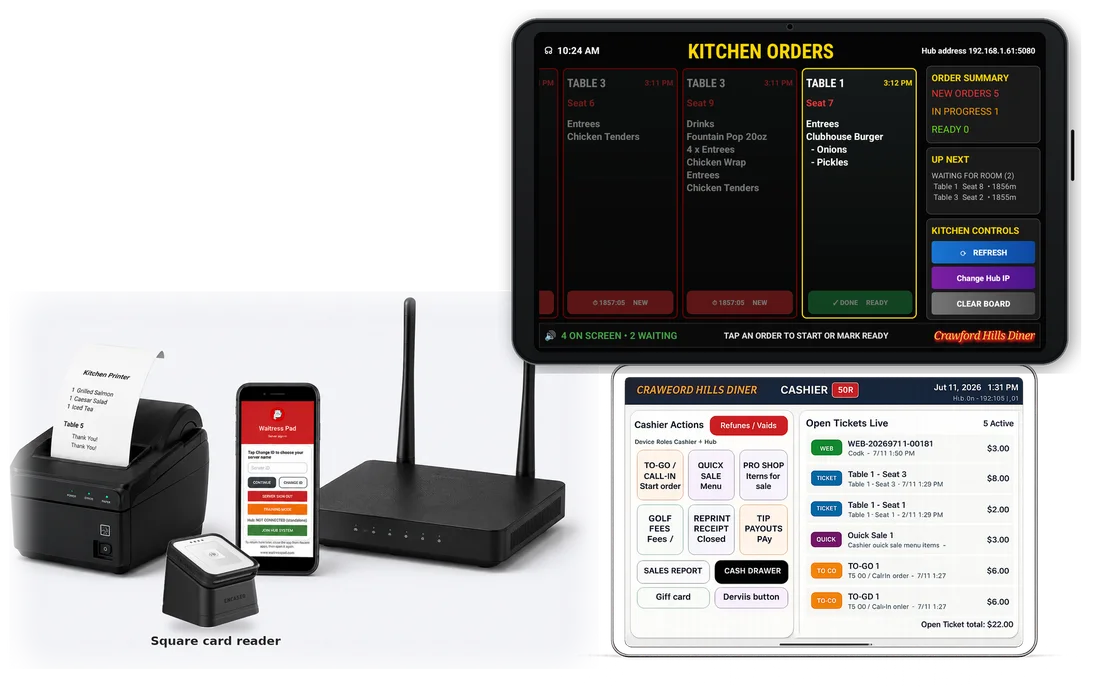
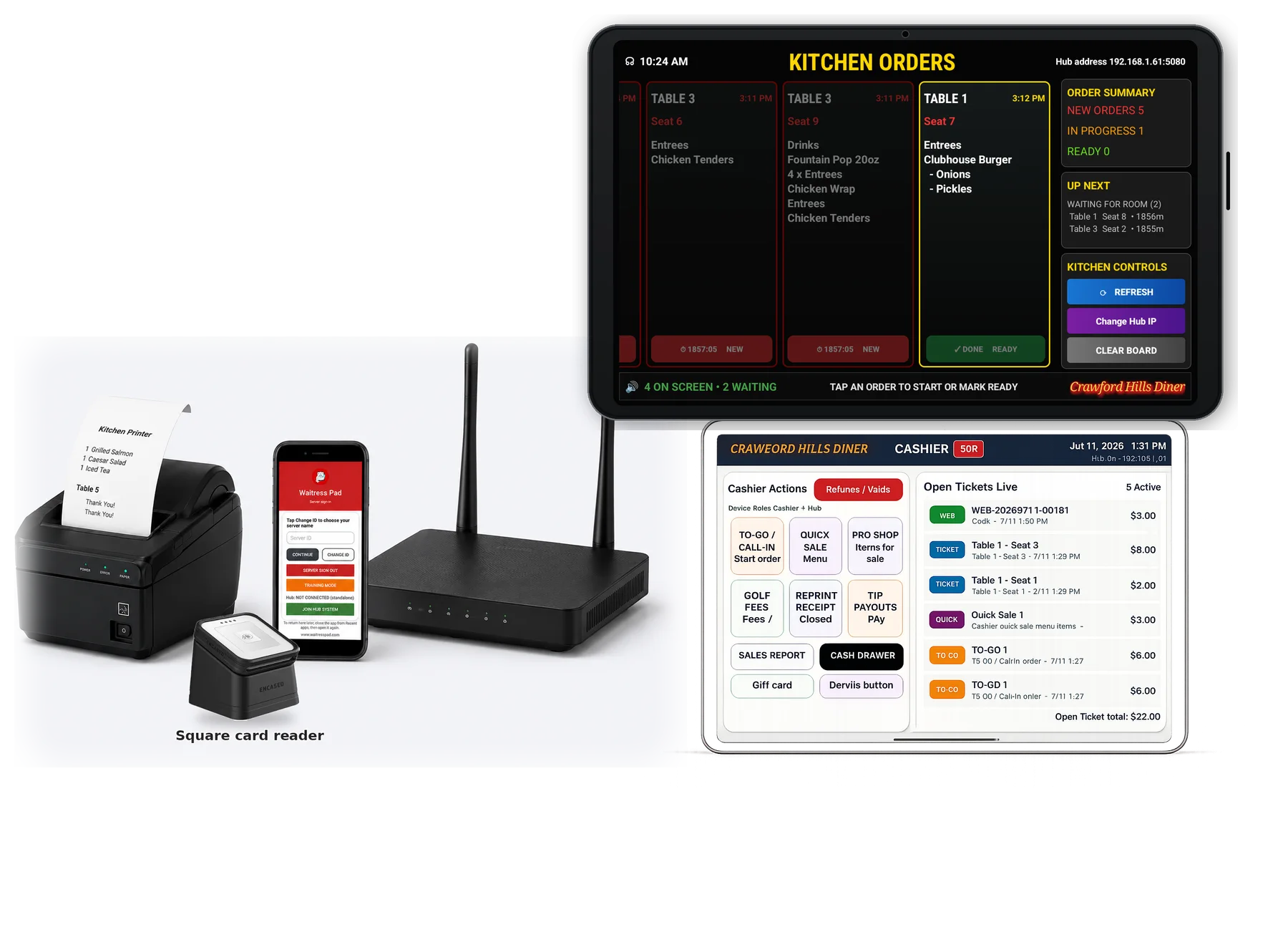
One configured Android device, one network receipt printer, one Wi-Fi router, your menu loaded, and the system tested before delivery.

Waitress Pad Lite software only
Device + printer + router + setup
Full Waitress Pad software workflow
Grow when the restaurant is ready
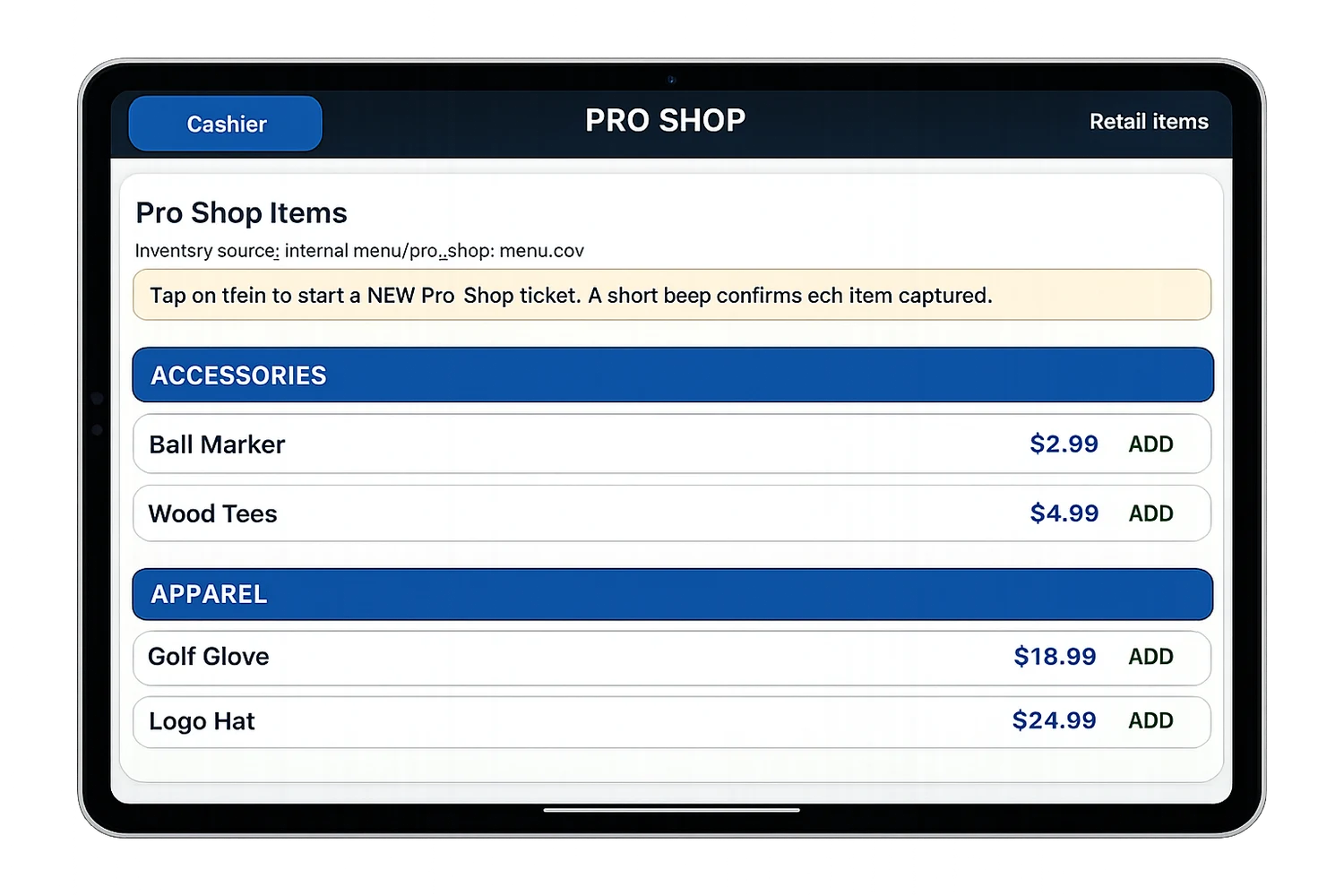
More than restaurant tickets

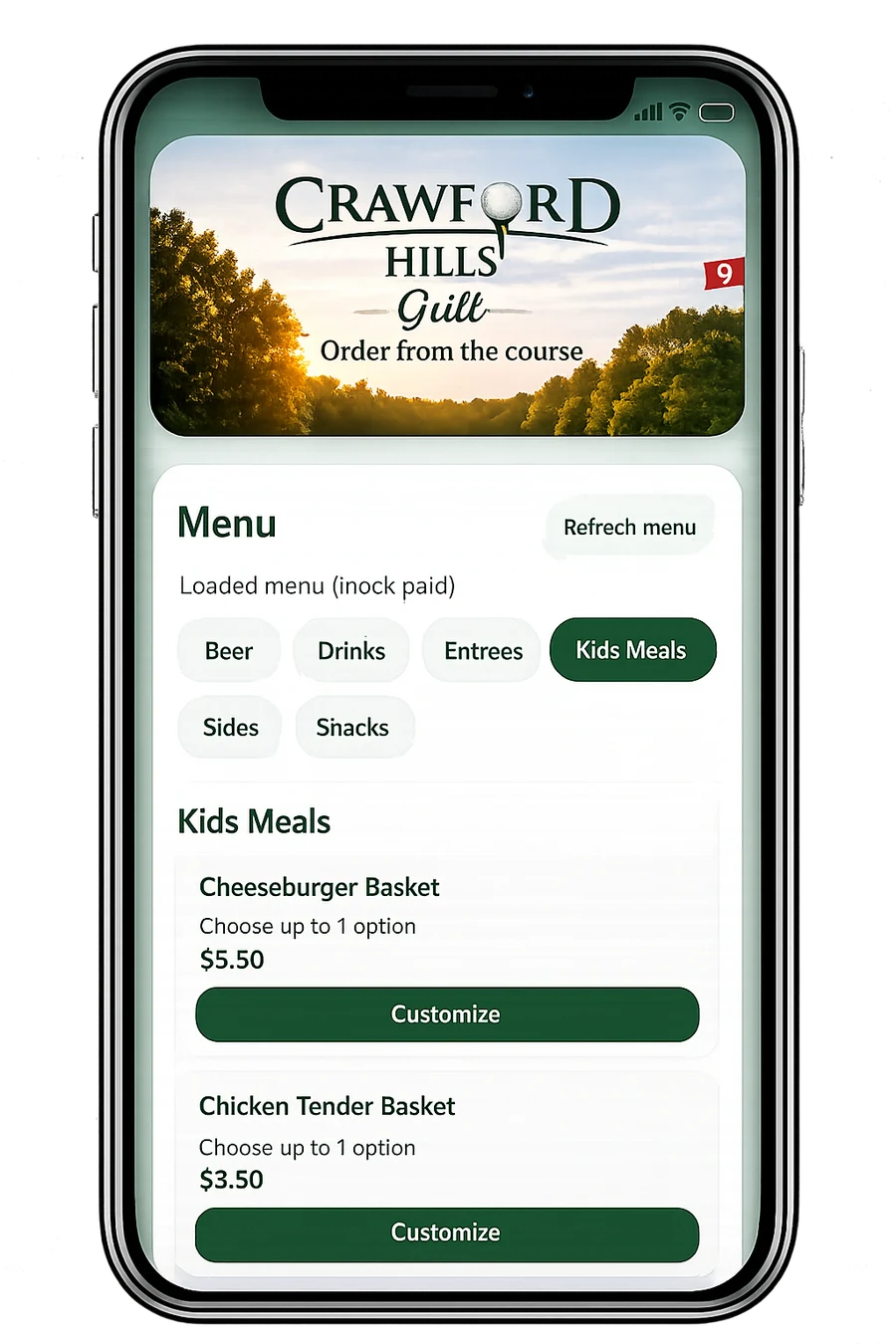
See a live example
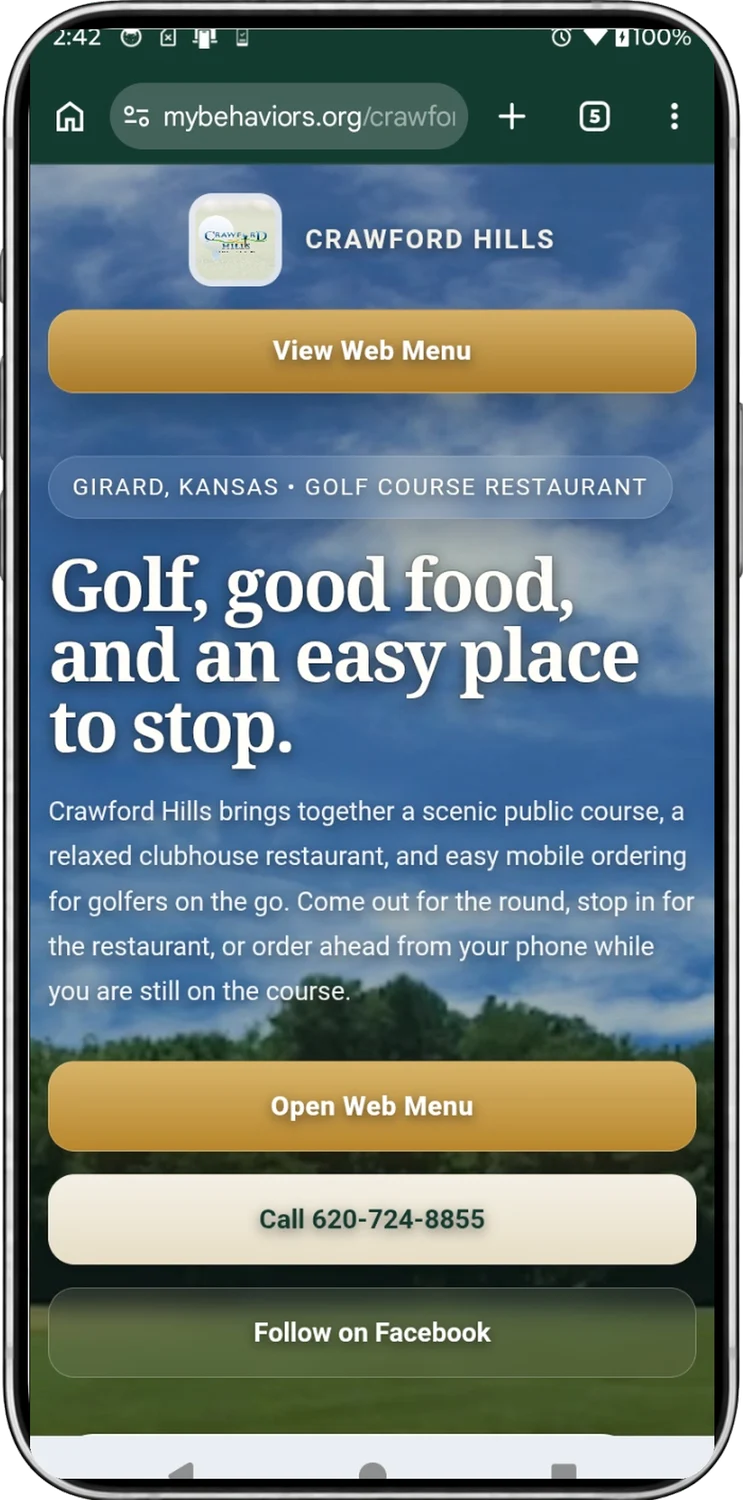
Visitors can explore the Crawford Hills example website and the mobile ordering demonstration using the same links already on this site.
Included Windows tool
The Waitress Pad Menu Editor handles sections, items, prices, choices, pro shop products, golf fees, and menu uploads without locking the restaurant into a proprietary terminal.

Update sections, items, prices, choices, golf fees, pro shop products, and web menus from a familiar desktop layout.
Older non-activated phones and lower-cost tablets can work over Wi-Fi without proprietary handhelds.
Email Support@waitresspad.com for setup, package, menu, or troubleshooting questions.
Keep the page visual. Let visitors ask for the exact explanation they need.
Quick answers
No. The current Waitress Pad packages are presented with no monthly software fee and no contract.
The core local ordering, hub, kitchen, and printer workflow can run over local Wi-Fi. Web ordering, email, and the AI help box require internet access.
The full system can be configured for kitchen printer, kitchen display, or both, depending on the restaurant’s preferred workflow.
Yes. Lite is the simple one-device starting point. The full system is designed for synced server devices, cashier hub, kitchen display, reporting, and web ordering.
The ready-to-use package includes loading the restaurant’s starting menu and configuring the system before delivery.
Open the Why Waitress Pad PDF, ask the chat box, or email support.
Your next step
You do not need to know every technical answer. Start with the number of servers, whether you need kitchen and cashier devices, and what hardware you already have.